
How to get your business recommended by ChatGPT and Google AI Overviews
A practical, step-by-step GEO guide for local businesses: how AI assistants pick who to name, how to measure where you stand, and the seven changes that get a website cited.

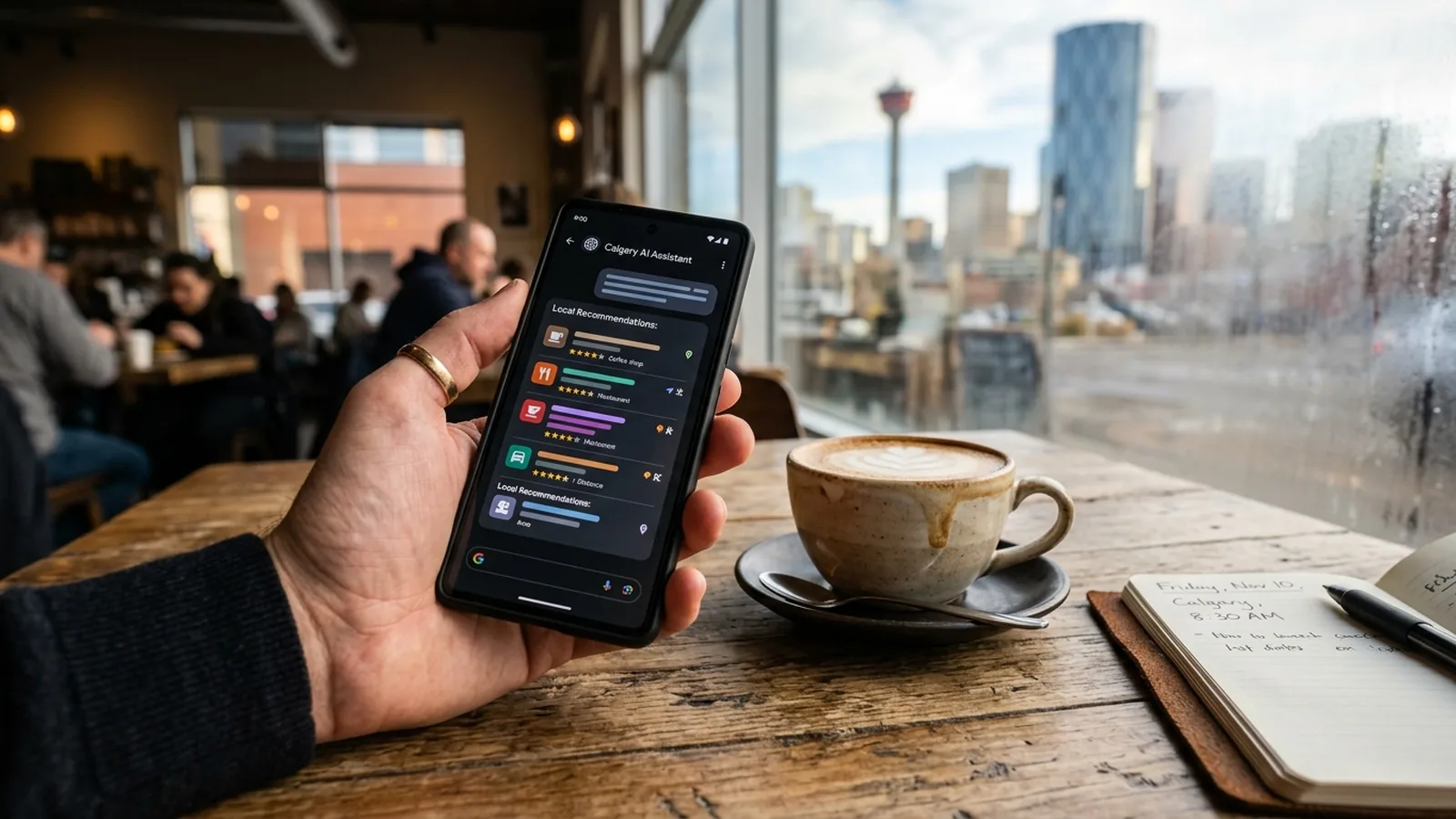
AI assistants recommend businesses whose websites state plainly what they do, where, for whom and at what price, whose details match across Google, directories and reviews, and whose pages are fast and indexed. To get recommended: measure your baseline by asking the assistants directly, put a direct-answer block at the top of every service page, add FAQ and LocalBusiness structured data, make your business details identical everywhere, earn reviews, write one page that answers a question nobody else answers well, and check that no AI crawler is blocked.
How an AI decides who to recommend
When someone asks ChatGPT “who does drain cleaning in Edmonton” or asks Google a question that triggers an AI Overview, the assistant does not consult a secret ranking. It reads. It pulls pages from the web (often through a search index), looks for sources that answer the question directly, checks that the details agree across sources, and writes a short summary naming the businesses it found easiest to describe.
That last part is the key. An assistant can only recommend a business it can describe. If your site says “we are passionate about excellence” and your competitor’s site says “sewer line repair in Edmonton, same-day service, from $X, call this number”, the competitor gets named. Not because their SEO is better, but because there was something to quote.
Everything below follows from that.
Step 1: measure where you stand
Before changing anything, get a baseline. Open ChatGPT, Perplexity, Gemini and Google (with AI Overviews) and ask, in plain words, the four or five questions your customers would ask. “Best Shopify developer in Calgary.” “Where to buy Islamic clothing online in Calgary.” “Who repairs commercial refrigeration in Brooklyn.” Record who is named, in what order, and what is said about them.
Then open Google Search Console and look for impressions in AI features. That number is your second baseline.
For Insta Rooter, the baseline was 1 out of 4 test questions. For Canadian Raw, ChatGPT now names the store first for raw dog food delivery in Calgary. Both started with a measurement.
Step 2: put the answer at the top of every service page
Rewrite the opening of each service page as a direct answer: what the service is, where you provide it, who it is for, what it typically costs or how pricing works, and how to book. Four or five sentences, no adjectives.
This is the single change with the highest return. It wins Google featured snippets, it is what AI Overviews summarize, and it is what ChatGPT quotes. Everything else on the page can stay; you are adding a summary a machine can lift.
Step 3: add the structured data that describes you
Structured data is a block of code on the page that tells machines, in a fixed format, what the page is about. Three types matter for a local business.
LocalBusiness (or a specific type such as Plumber, Dentist, Store) with your name, address, phone, hours, service area and links to your social and review profiles. FAQPage on every page that has questions and answers. Product for anything you sell online, with price and availability.
Done properly, this is invisible to visitors and very visible to Google, Gemini and the crawlers behind the other assistants. Every site we build ships with it.
Step 4: make your business details identical everywhere
Assistants check for agreement. If your website says “Suite 200, 1920 26 St SW”, your Google Business Profile says “1920 26th Street Southwest” and Yelp has an old address, you look like three businesses, or an unreliable one. Pick one exact version of your name, address, phone and category and use it everywhere: site, Google Business Profile, Apple Maps, Bing Places, Yelp, industry directories, social profiles.
For Insta Rooter, this included changing the Google Business Profile category from Plumber to Drainage Service, which matched both the work and the searches, and updating the structured data to say the same.
Step 5: earn and answer reviews
Reviews are a source assistants read directly. “Highly rated” in an AI answer usually means a Google rating above 4.5 with a reasonable number of reviews, and the review text itself tells the model what you are good at. Insta Rooter went from zero to 16 Google reviews during the project, and the reviews mentioned sump pump and window well work the website never covered, which led to two new service pages. Reviews also tell you what to write.
Step 6: write one page that answers a question nobody else answers well
Generic content does nothing here. What works is a page that is the best available answer to a specific question in your city. For Insta Rooter it was a section on the $800 EPCOR subsidy for sewer line work in Edmonton: who qualifies, how to apply, what it covers. No competitor had it. It became the single most cited page on the site and the reason ChatGPT mentions the company.
Find your version. It is usually a question customers ask on the phone that the industry never writes down: a rebate, a local by-law, a seasonal problem, a comparison people are afraid to publish.
Step 7: check that nothing is blocking the crawlers
Open yoursite.com/robots.txt. If it disallows GPTBot, ClaudeBot, PerplexityBot, Google-Extended or similar, the assistants cannot read your site. Some security and caching plugins add these blocks by default. Remove them. Then run the pages through Google PageSpeed Insights: slow, heavy pages get crawled less and cited less. Our speed guide covers the usual fixes.
Step 8: ask again
Re-run the baseline questions a month later, then quarterly. Track which assistants name you, for which questions, and what they say. When the description is wrong, the fix is almost always on your own site: a page that is unclear, a detail that does not match, a service you never wrote down.
What this costs and what it returns
For a site we build, the structural work (answer blocks, schema, consistent details, open crawling) is included. As an ongoing service, the AEO and GEO add-on is $399 a month on top of Local SEO, and it covers the baseline, the content, the structured data and the quarterly re-measurement.
The return is being the business that gets named when a customer asks a machine who to call. In 2026 that is a growing share of every local search, and the businesses that did the plain, factual work early are the ones the machines learned to recommend.
- AI assistants do not guess. They read your site, your Google Business Profile and what others say about you, then summarize. Give them facts, not slogans.
- Measure first. Ask ChatGPT, Perplexity, Gemini and Google the questions your customers ask, and write down who gets named. That is your baseline.
- The single highest-return change is a direct-answer block at the top of each service page: what, where, for whom, how much, how to book.
- One page with a useful, current answer nobody else has can do more for AI visibility than a dozen generic posts.
Frequently asked questions
Can I pay to appear in ChatGPT answers?
Not in the organic answers. ChatGPT, Perplexity and Google AI Overviews build recommendations from what they can read on the web. The way in is being clear, consistent and cited, which is the work described in this article.
Does blocking AI crawlers protect my content?
It removes you from the answers. If your robots.txt blocks GPTBot, ClaudeBot or PerplexityBot, those assistants cannot read your site and will recommend a competitor instead. Check your robots.txt; some security plugins block them by default.
How is this different from normal SEO?
It sits on top of SEO. You still need indexed, fast pages that rank. GEO adds clarity (plain factual answers), structure (FAQ, Product and LocalBusiness schema) and consistency (the same name, address, phone and services everywhere) so a language model can summarize you correctly.
How long does it take?
Google AI Overviews can pick up a rewritten page within weeks of re-indexing. ChatGPT and Perplexity vary. In our Insta Rooter case the first mentions came within a few months of publishing one strong page, and Search Console counted 514 AI-feature impressions in three months.
What does GEO cost with Infinite Ideas?
The AEO and GEO add-on starts at $399 CAD per month on top of a Local SEO plan. New sites we build include the structural foundations at no extra charge.
Founder of Infinite Ideas Web Design, a Calgary agency that has built 800+ websites since 2010 and now does the SEO, AEO and GEO that get them found on Google and cited by AI. Google Partner, Shopify Partner. English and Spanish. LinkedIn
We test your business across ChatGPT, Perplexity, Gemini and Google AI Overviews, show you who is being named instead, and quote the fix.
Related articles.
SEO vs AEO vs GEO: what a Calgary business actually needs in 2026
SEO gets you ranked, AEO gets you quoted as the answer, GEO gets you recommended by ChatGPT. What each one means, how they overlap, and which a Calgary business should pay for first.
SEOLocal SEO checklist for Calgary businesses (2026 edition)
The 14 things that decide whether a Calgary business shows up when someone searches for its service nearby: Google Business Profile, reviews, service pages, structured data, speed and consistency.
PerformanceWhy your website is slow on mobile, and how to fix it
Core Web Vitals explained without jargon: what LCP, CLS and INP mean, why Calgary business sites score 30 to 60 on mobile, and the six fixes that move the number, with real scores from our own portfolio.